Grace
Add a line on who they are and what they front.
No voice yetWhat are we making?
What shapes the writing?
Start with a research angle…
What you research lands here.
What are we making?
What are we making?
What are we making?
What are we making?
What are we making?
What are we making?
Start from a style
Creative directions
Start from a video style. Each one picks the model that does it best.
Add both, then press Create above.
The frame of your photo is the frame of the video. Shoot or pick the one you want.
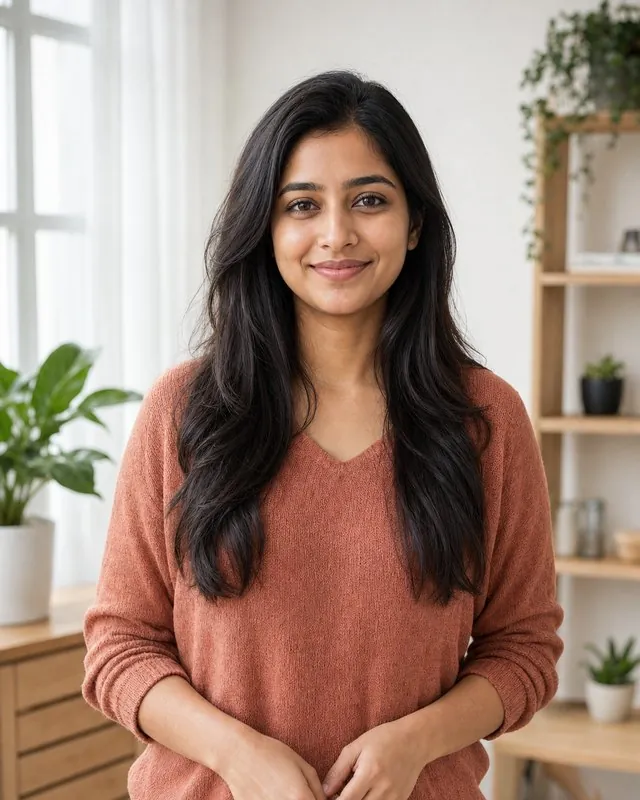
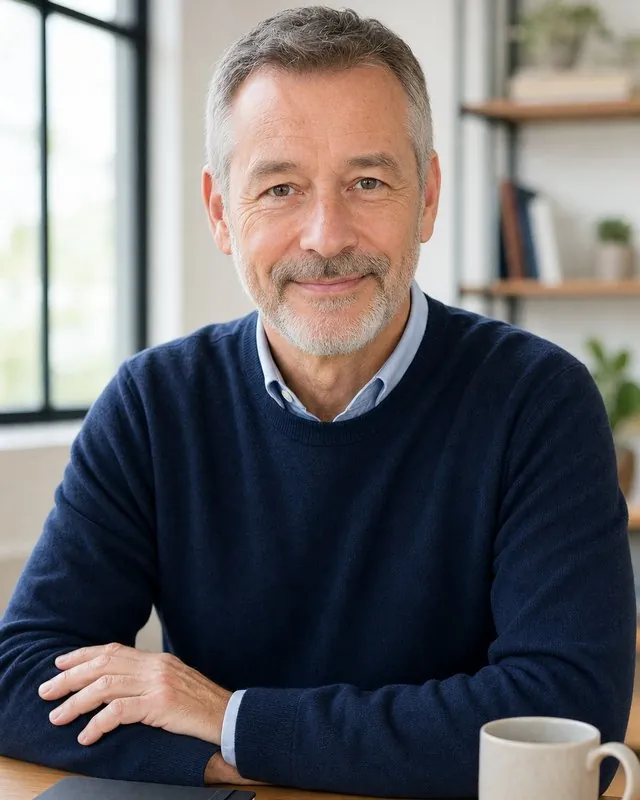
Works
Fails or looks off

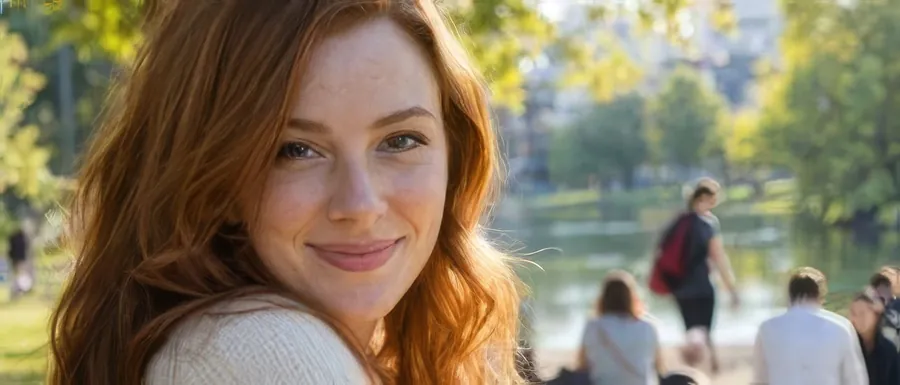 BeforeAfter
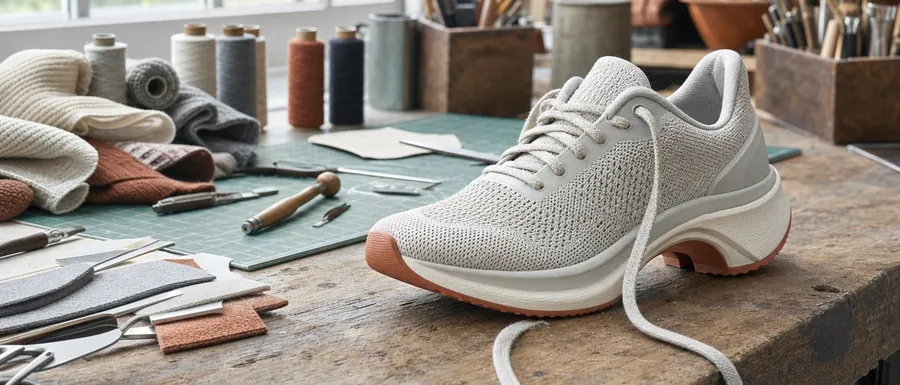
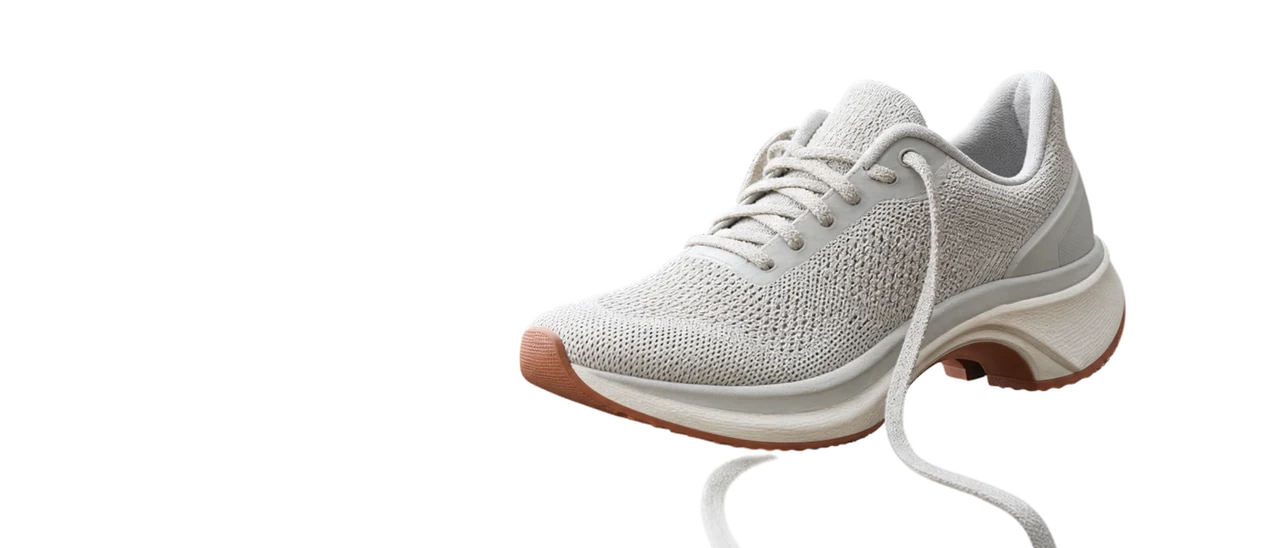 BeforeAfter
Turn a script into a natural voiceover.
Listen, then pick one to start from
7 of 12 elements in · 1 you don’t hold · 4 still to answer
Add a line on who they are and what they front.
No voice yet
Add a line on who they are and what they front.
No voice yetEverything here travels with every brief for Ally. The more that is in, the less you have to re-explain each time.
What each engine is good at, and how to reach for the right one. Every run here draws on your plan’s allowance.
The models, explained
Each engine here does one or two things better than the rest, and all of them draw on your plan’s allowance. This page says which to reach for, why, and how working creatives rank them when they judge blind.
Start from what you need made. The card names the model that does it best here, and the one to try when the brief tilts.
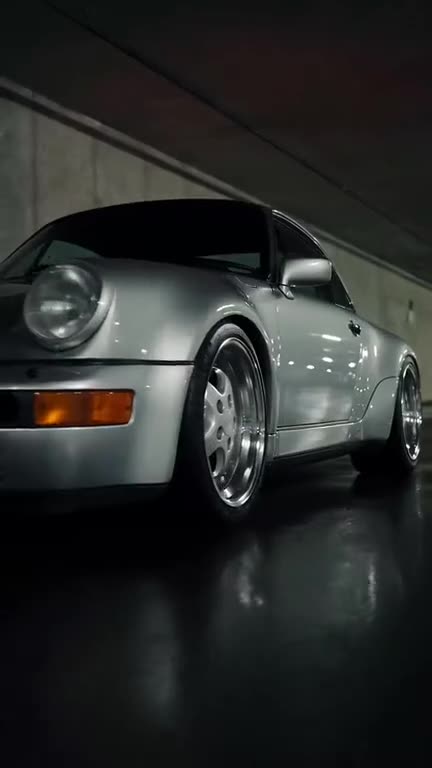 video
UseSeedance 2.5
Long takes, real camera moves and its own sound. The board leader for film by a clear margin. It refuses photographs of real people, so cast it from words or from illustrated references.
OrWan 3.0 when the budget is tighter and the scene is a landscape or a product.
Uses your video allowance · from Solo
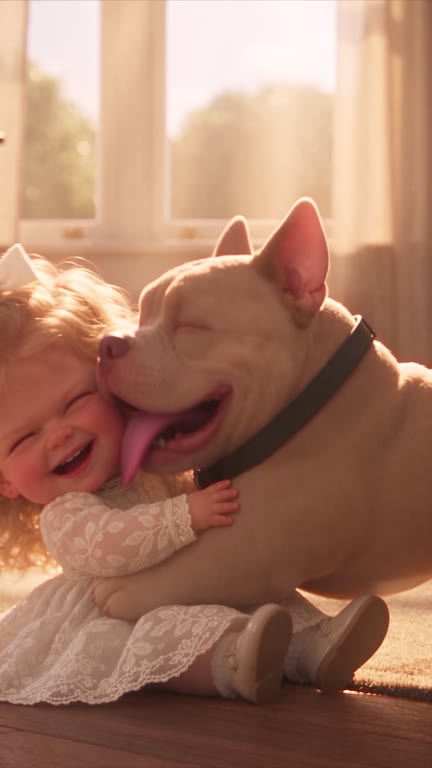 video
UseSeedance 2.5
Hand it a character sheet as a reference and the character stays the same person across shots. Comic timing and feature-animation finish.
OrSeedance 2.0 Mini when you want cheap drafts of the same idea before the full render.
Uses your video allowance · from Solo
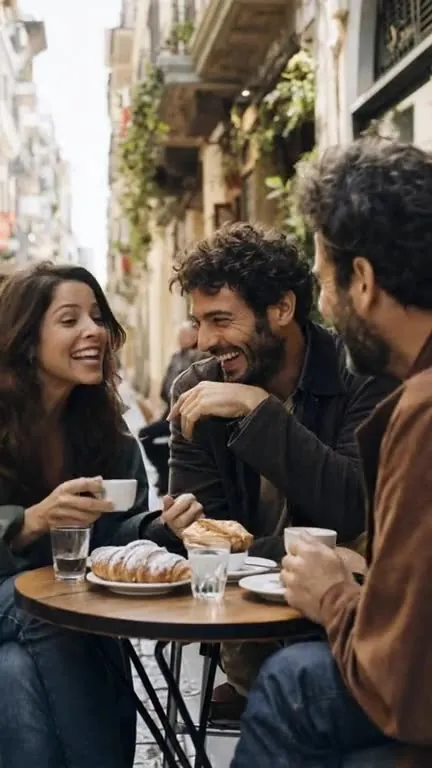 video
UseKling v3 Pro
Kling takes real faces and moves them naturally. Seedance refuses them and bills the refusal, which is the single most expensive mistake on the video tab.
OrVeo 3.1 when they need to speak.
Uses your video allowance · from Solo
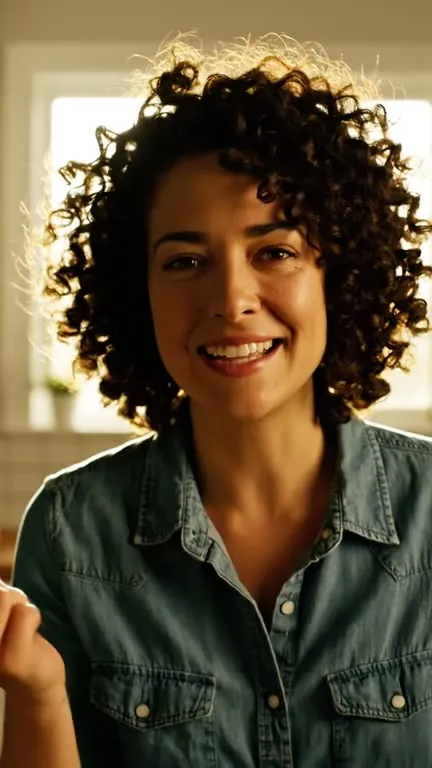 video
UseVeo 3.1
Dialogue, lip sync and room sound in one pass, up to eight seconds a clip. Write the line and how it is said; attach a Nano Banana Pro still to keep the same face across shots.
OrKling Avatar Pro when it is a presenter at a desk reading a script you already have.
Uses your video allowance · from Solo
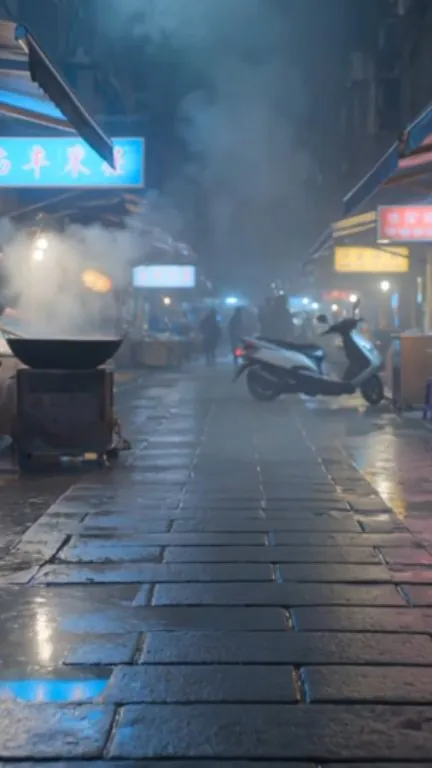 video
UseKling O3 4K
The first model to render 4K itself, so no upscale step, no second pass, no waxy skin. Three to fifteen seconds, sound when asked.
OrSeedance 2.5 when the piece is longer than fifteen seconds; it renders at 1080p and the upscale pass takes it to 4K.
Uses your video allowance · from Solo
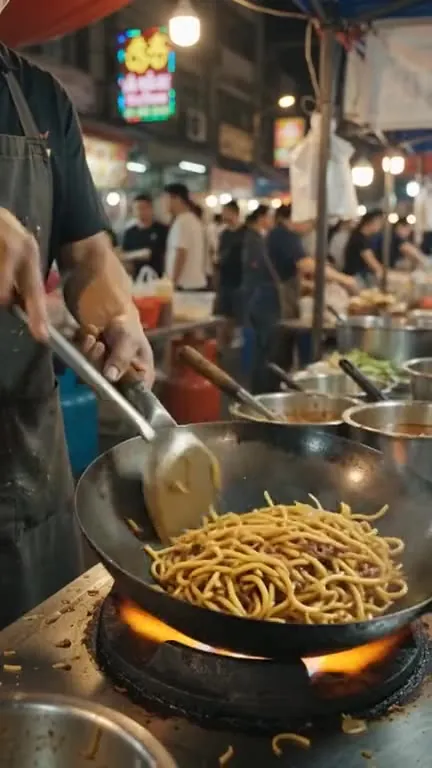 video
UseVeo Omni Flash
Synced native audio and a fast turnaround at a fraction of the cinema models. Right for social cuts and pre-roll where the idea matters more than the grain.
OrMiniMax H3 Max when you want to test five ideas in the time one render takes.
Uses your video allowance · from Solo
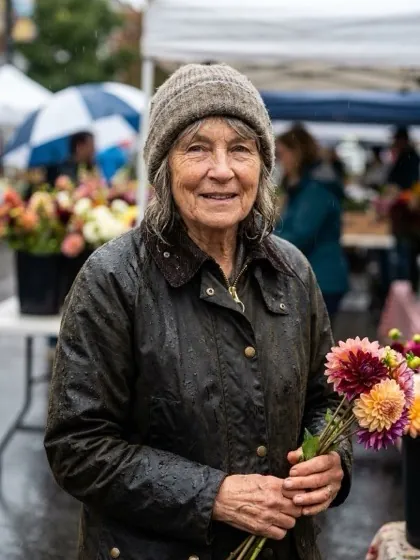 image
UseNano Banana Pro
Skin, hair, hands, jewellery and light that pass for a capture, and the same face kept across edits. The reference still for any talking clip starts here.
OrGPT Image 2 when the picture also carries a headline or a logo.
Uses your image allowance
 image
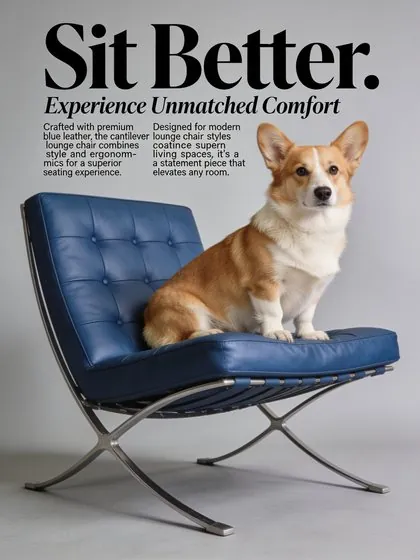
UseGPT Image 2
Words render cleanly, layouts hold, and it leads the graphic design and editing boards. The default for a reason.
OrIdeogram V3 when the type is the whole design.
Uses your image allowance
 image
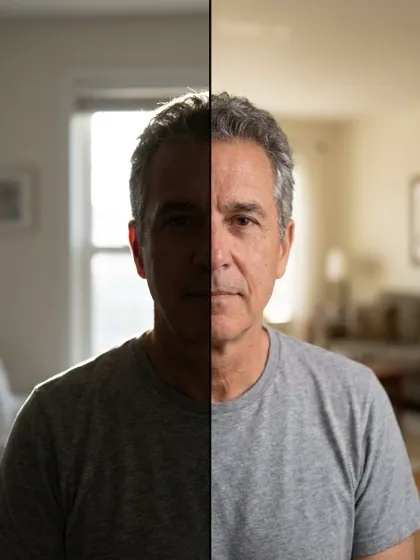
UseGPT Image 2
Point at the spot on the canvas, say the change, and everything you did not mention stays put. Both leaders on the editing board are here.
OrNano Banana Pro when the picture is a photograph of a person and their face must survive the edit.
Uses your image allowance
 voice
UseElevenLabs v3
The expressive one: it reads the punctuation like an actor. Character work, ads, anything with feeling. Multilingual v2 is the steady everyday read.
OrElevenLabs Multilingual v2 when it is everyday narration in another language.
Uses your voice allowance · from Solo
OpenArt Arena puts unlabelled outputs side by side in front of a council of creative professionals and about a thousand tastemakers, who pick the one that answers the brief. 1,000 is the midpoint; higher wins more pairings. Orange rows are models you can use here; grey ones we do not carry. Read on 29 September 2026.
Five things that matter more than the model's name.
Every video model has up to three doors. Words alone give it the most freedom. A start frame pins the first second to a picture you chose. References, a character sheet or a few stills, keep a cast on-model across shots. Attach one picture and it is the opening frame; attach several, or say "reference", and they are the cast.
Seedance refuses photographs of real-looking people and the refusal still bills. Kling and Veo take them. Illustrated and 3D characters go to Seedance, where they are kept on-model; a photo of a person goes to Kling to move, or to Veo to speak.
Veo 3.1, Veo Omni Flash, Kling O3 and Seedance can make their own sound: dialogue, room tone, the sizzle of a wok. It is off unless the brief asks, because a soundtrack nobody wanted is money spent. Say what should be heard and it will be.
Every clip draws on your plan’s video allowance, and a long 4K take uses many times what a short 720p one does. The habit that pays: draft the idea short and small, on a fast model, and spend the long render on the take you have already chosen.
Only Kling O3 renders 4K itself. Everything else renders at 1080p or below and a separate upscale pass takes it to 4K, which resolves skin, fabric and on-screen type rather than re-imagining them. Both routes are fine; only one of them is one step.
These are the models behind the Design Agent. Describe a deliverable in plain language and it is designed for you: documents and one-pagers, decks, landing pages and full websites, naming and copy, and coded motion. The model you pick sets the level of execution and how fast a design uses your allowance; revisions are included whichever you pick. Choose a brand first and everything is designed to that brand’s guidelines.
Pick the engine from the model dropdown on the Visual page's Image gen tab. GPT Image 2 is the default. All take a text prompt; most accept a reference image to steer style or make edits.
Best all-rounder; headlines render cleanly
The most lifelike people
Fast, cheap drafts
Precise 4K edits
Print-ready vector and CMYK
Posters led by big type
Pick the engine from the model dropdown on the Visual page's Video gen tab, or start from one of its example cards, which pick the model for you. The rule that saves money: photoreal people go to Kling. Seedance refuses photographs of real-looking people, and the refusal still bills; it is the right choice for illustrated and 3D characters.
Lifelike people who speak, with sound
Brings a photo of a person to life
Native 4K in one pass, with sound
Cinematic long takes; the dearest
Keeps characters on-model
Cheap Seedance drafts
Quick clips with sound
The fastest: a clip in 14 seconds
Cheap, and up to 4K
Rich detail, about 3 minutes a clip
Fast and cheap, with sound
Cheapest; can queue for 20 minutes
Pick the engine from the model dropdown on Sound's Voice tab. Write a script, choose a voice from the library, and tune Speed, Stability, Similarity and Style in the settings rail. To speak another language, translate the script first. The voice follows the text.
The most expressive. Supports inline audio tags like [whispers] and [laughs]
Rich, natural voiceover in many languages
Faster, lower-latency voiceover
Expressive HD speech
Fixed-purpose finishing tools. No model choice. Each runs a dedicated engine.
Choose a brand from the brand picker in the composer and its brand folder, guidelines, logos, fonts, tone, loads into context before you prompt. Every tab then works to that brand. Drop new brand material into the Artion Brands folder in your home directory and it appears in the picker automatically.
On an image or video run a brand works differently: its image library is the reference for approved style, subject, lighting and finish, and nothing else about the brand reaches the model. No logo, wordmark or brand text is added to the output; the only lettering is what your brief asks for.